By AppX Studio
PDF Reader, PDF Editor, Viewer
Read, edit, annotate, scan and sign PDFs — fast, offline and private.
100+ downloads
Free on Android

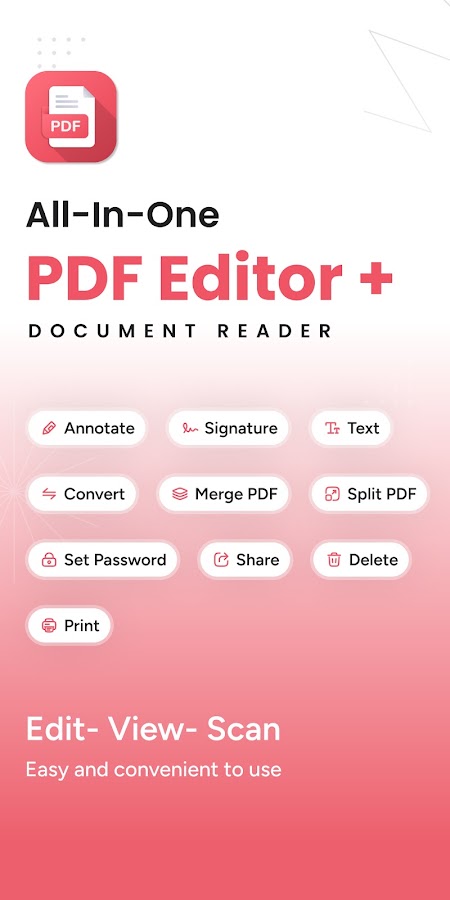
Read, edit, annotate, scan and sign PDFs — fast, offline and private.
Open any PDF in seconds with smooth scrolling, dark mode and thumbnails.
Highlight, underline, add notes, insert images, shapes and text.
Fill forms and e-sign documents — typed or freehand signatures.
Turn photos into clean PDFs with auto-crop and perspective fix.
Merge PDFs, reorder, rotate or delete pages, and compress file size.
No account required — your documents stay private on your device.
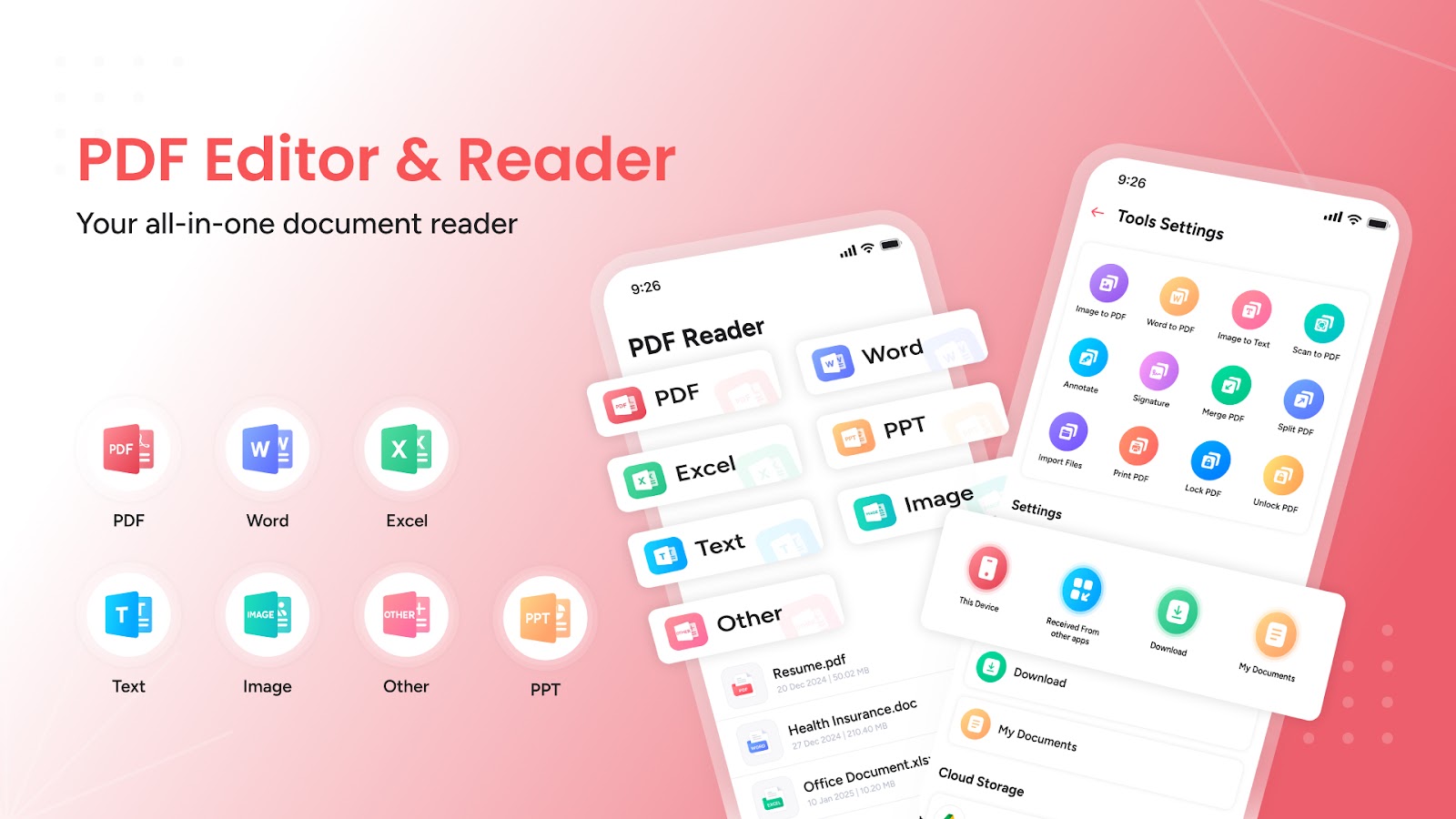
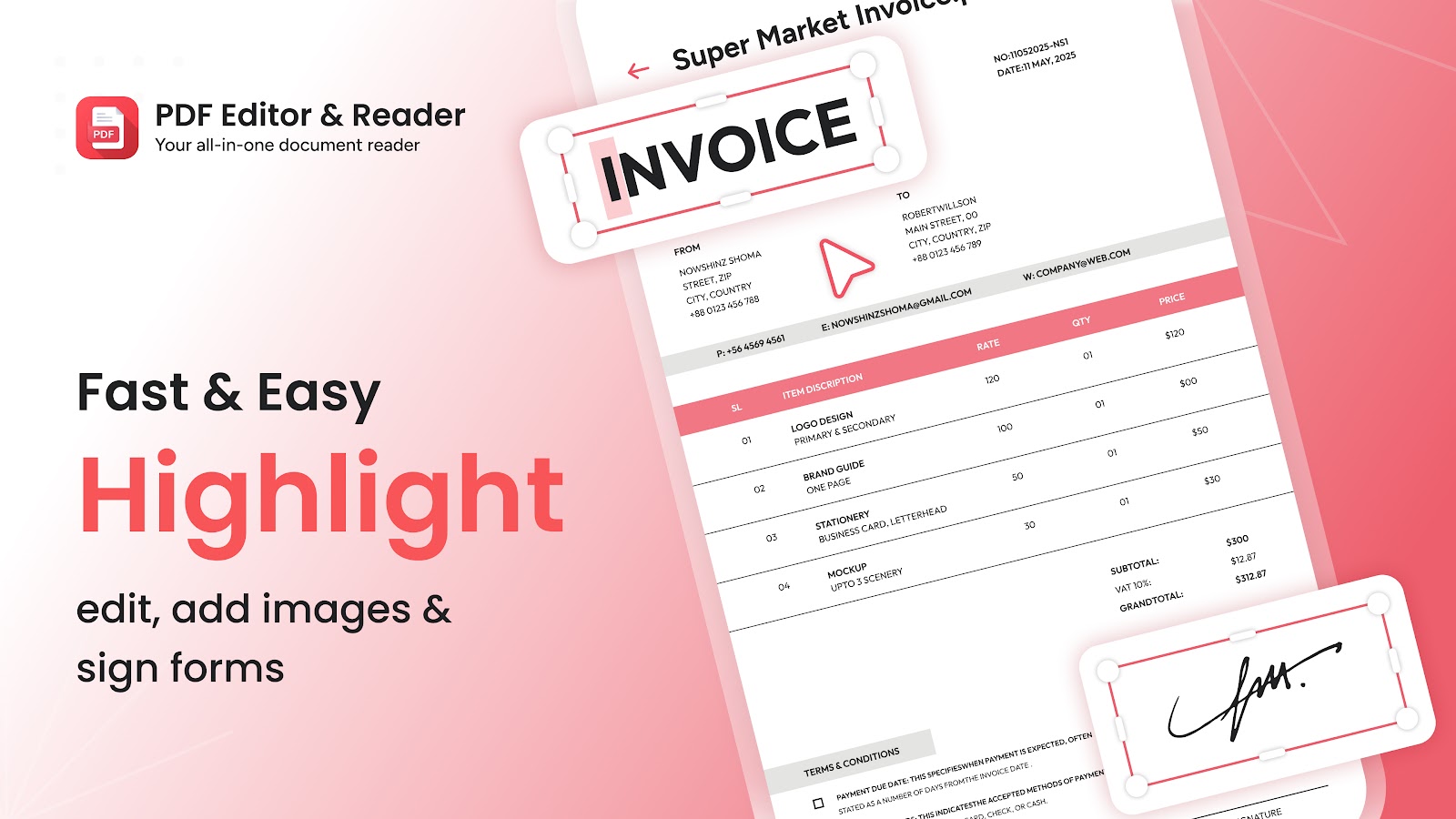
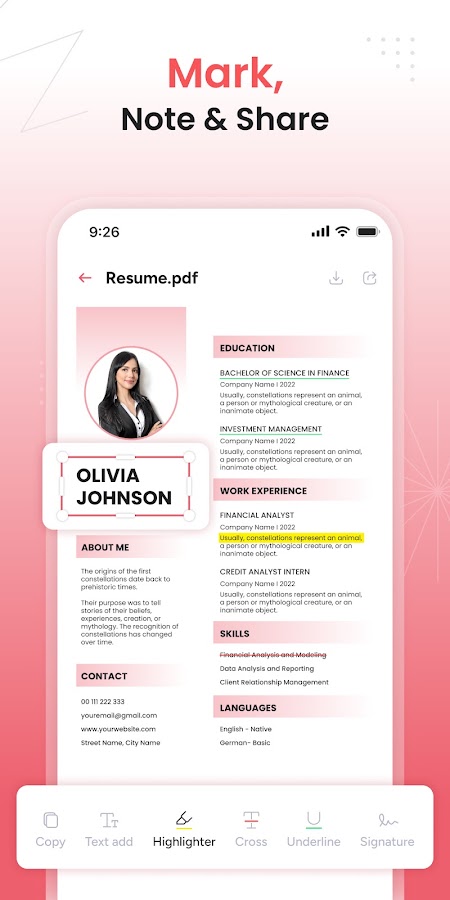
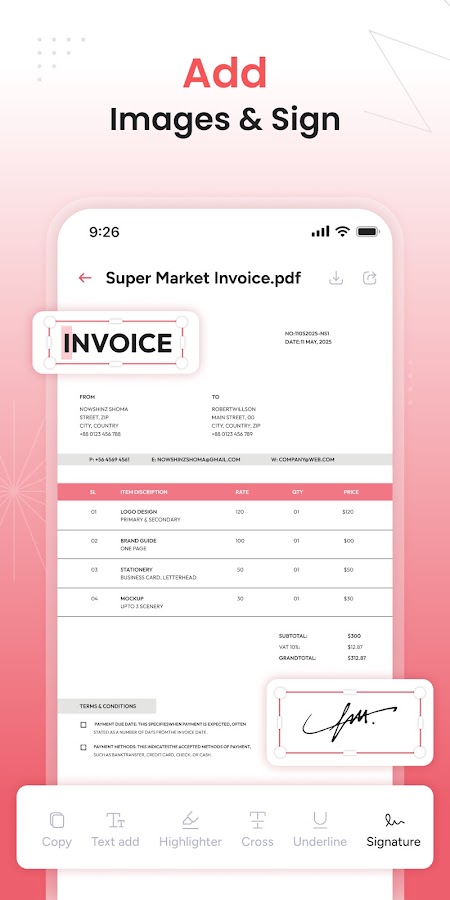
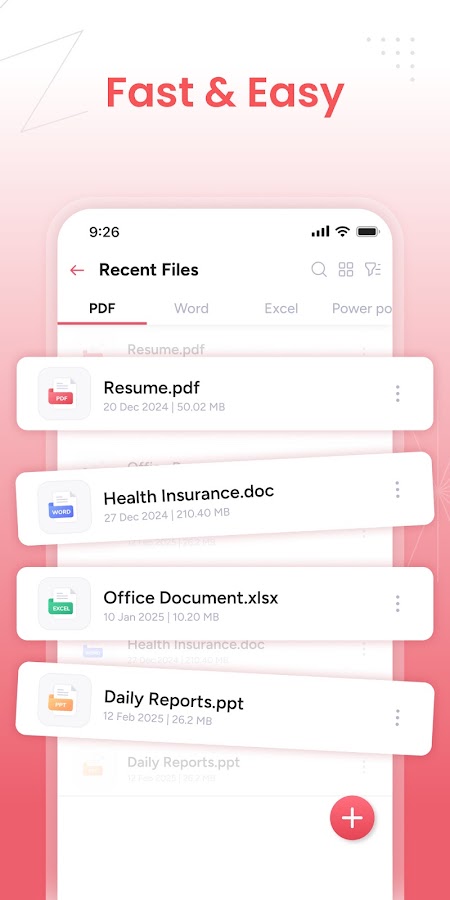
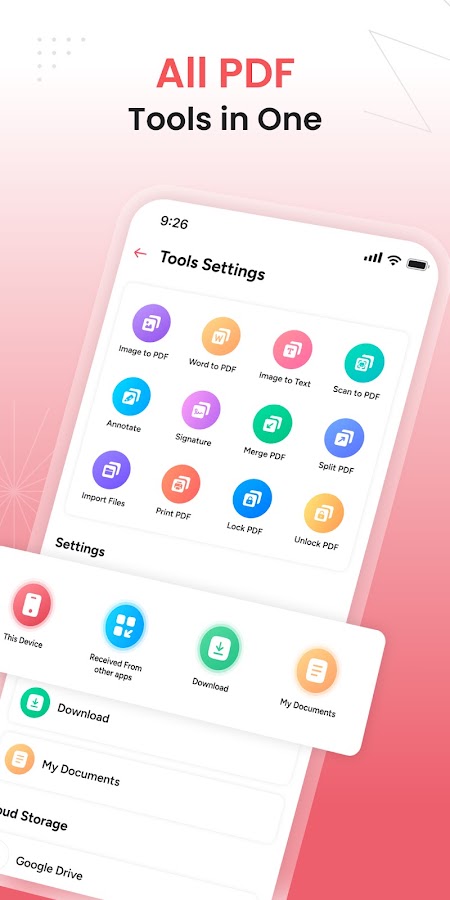
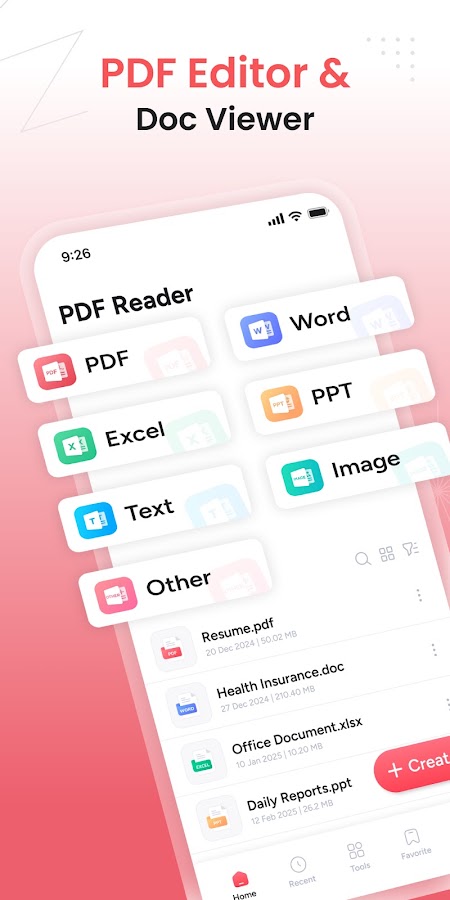
Meet your everyday PDF toolkit—fast, simple, and built for productivity. Open any PDF in seconds, read comfortably with dark mode, and make quick edits without hassle. Highlight text, add notes, insert images, fill forms, and e-sign documents in a few taps. You can also view other common documents via the system file picker and keep everything organized with recent files and bookmarks. Works great offline and respects your privacy.
Your documents stay on your device unless you share them. No mandatory sign-in. No hidden uploads.
Students, professionals, freelancers, and anyone who needs a fast, reliable PDF reader and editor—online or offline.
Free on Google Play. Join 100+ happy users.
Get it on Google Play